



Profile inventory
Identify readable policy files and retain their paths and hashes.
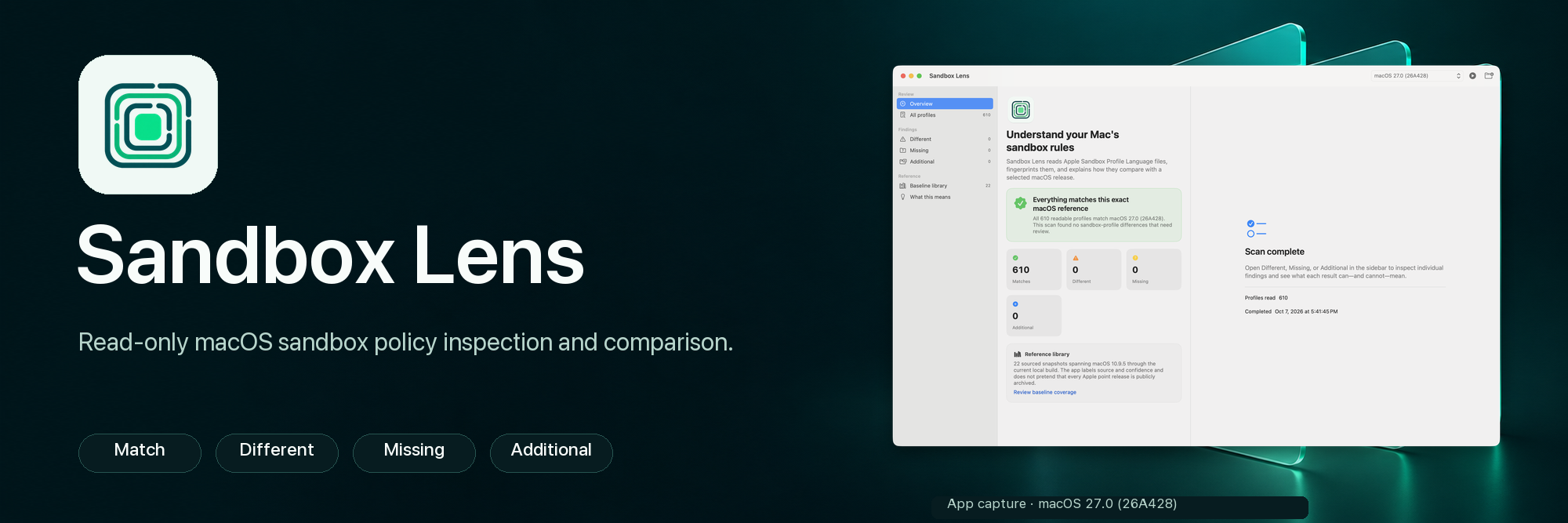
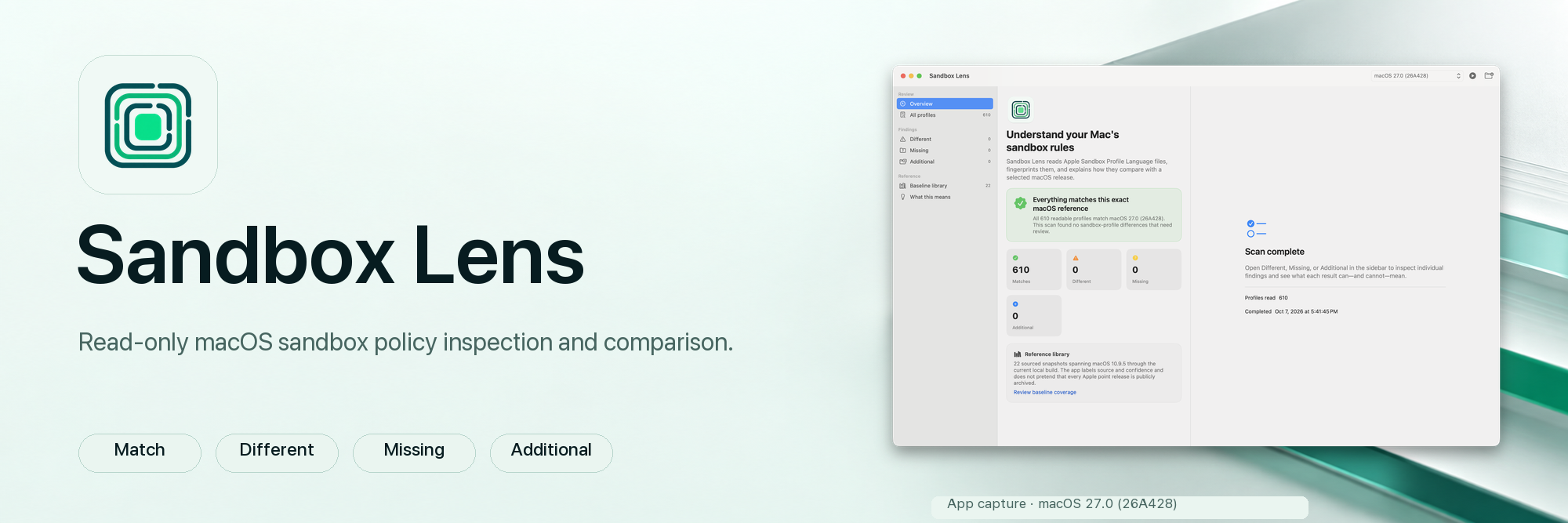

Inspect sandbox policy files and compare precise evidence.
A native, read-only macOS app that inventories readable sandbox profiles and compares their paths, SHA-256 hashes, metadata, and sourced provenance with build-specific references. Match, Different, Missing, and Additional groups keep file differences separate from claims about runtime behavior.
Categories:Developer toolsForensics & evidence
Topics:developer-toolsmacosmacos-securityreverse-engineeringsecurity
v0.1.1Requires macOS 13 or later, Apple silicon or IntelChangelogSource
Ad-hoc signed · not notarized
Sandbox-Lens-v0.1.1-macOS-universal.zip
d1a74ae3d89d925d0b5bfccadcb47dfb704a8becf22b11c45bc822a049471e88Check a download with shasum -a 256 Sandbox-Lens-v0.1.1-macOS-universal.zip and compare the result. Full verification guide
Illustrations explain the evidence workflow. Real app captures appear in the screenshot gallery.
Identify readable policy files and retain their paths and hashes.
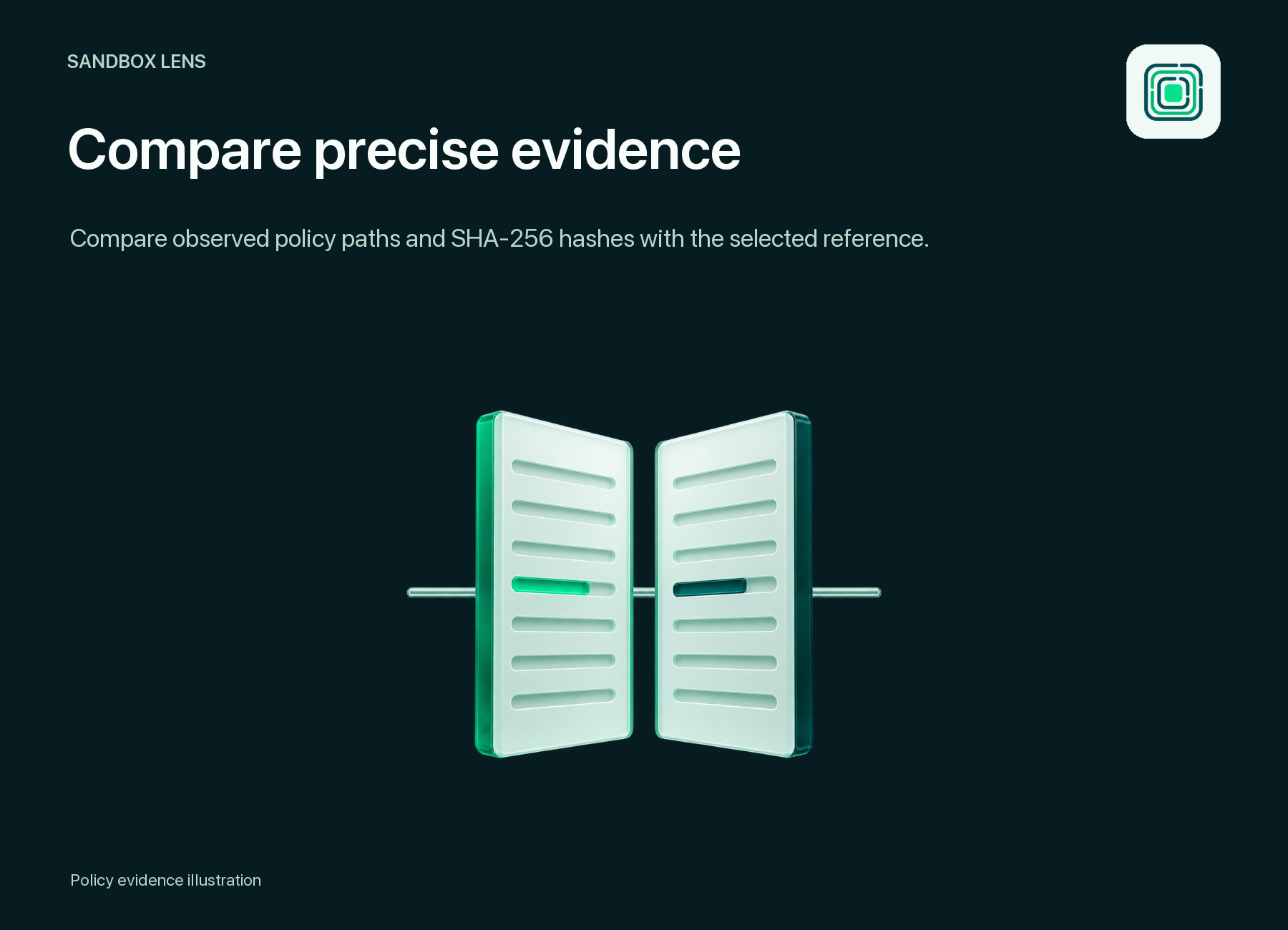
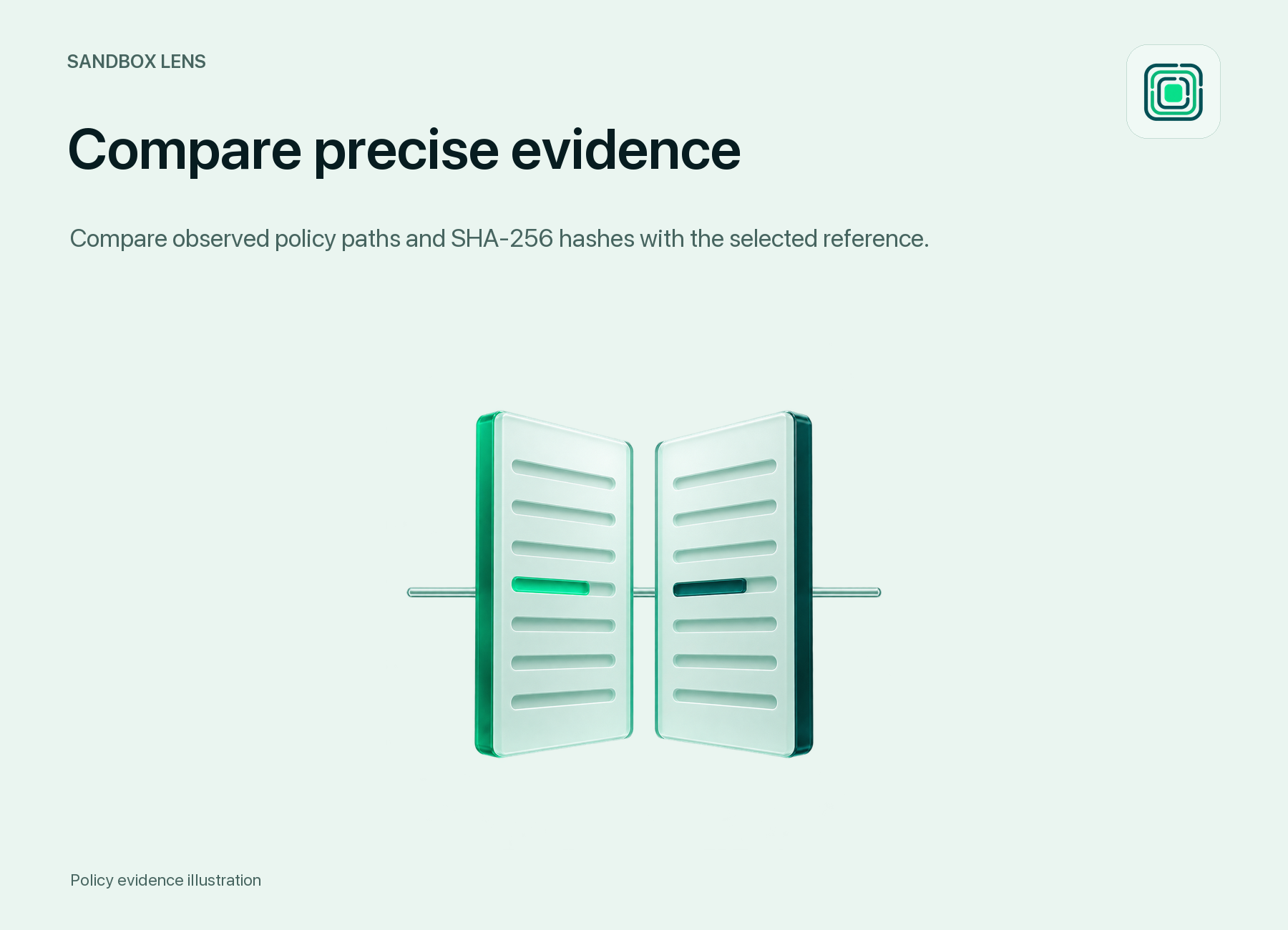
Separate Match, Different, Missing, and Additional results.
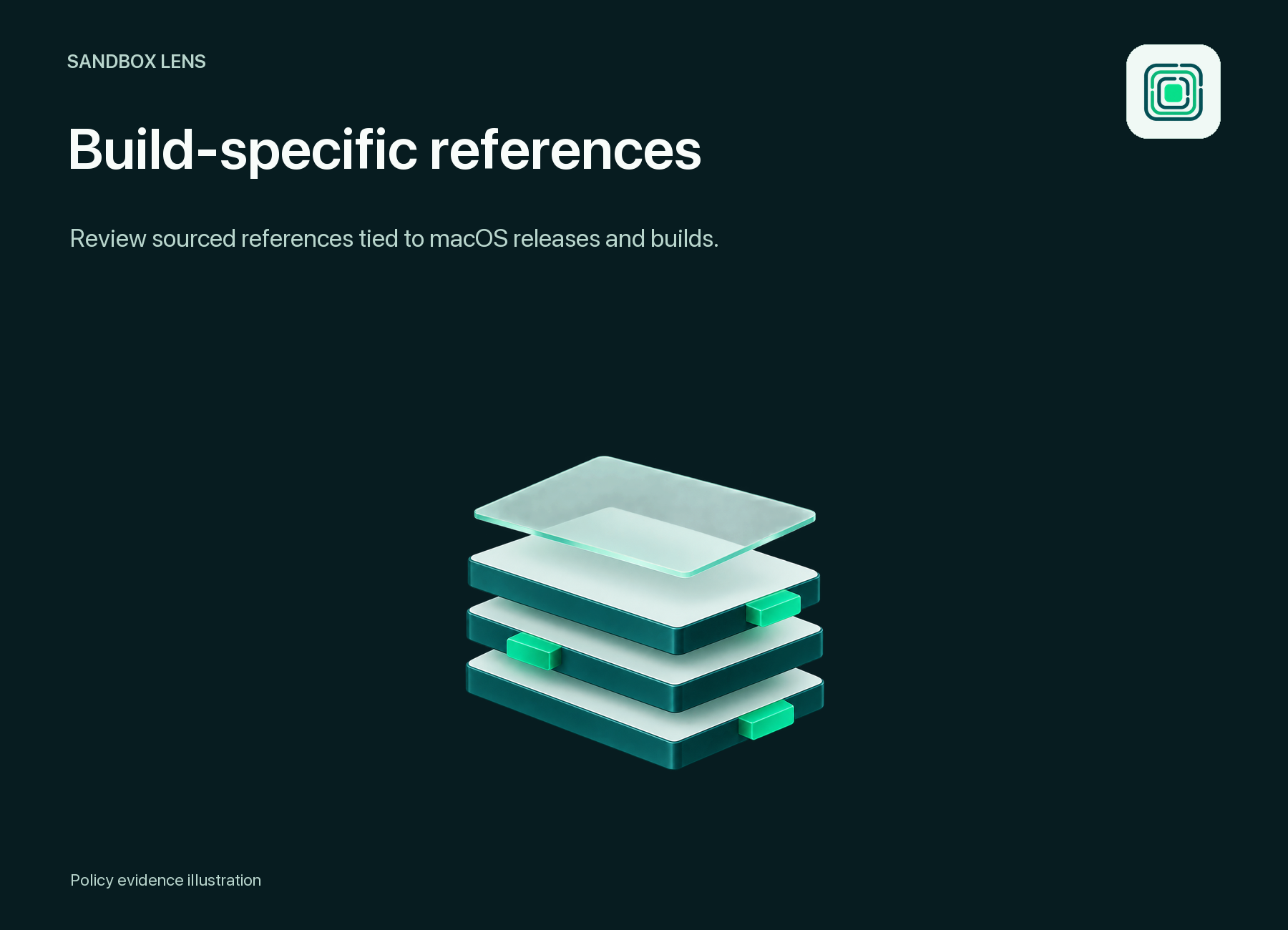
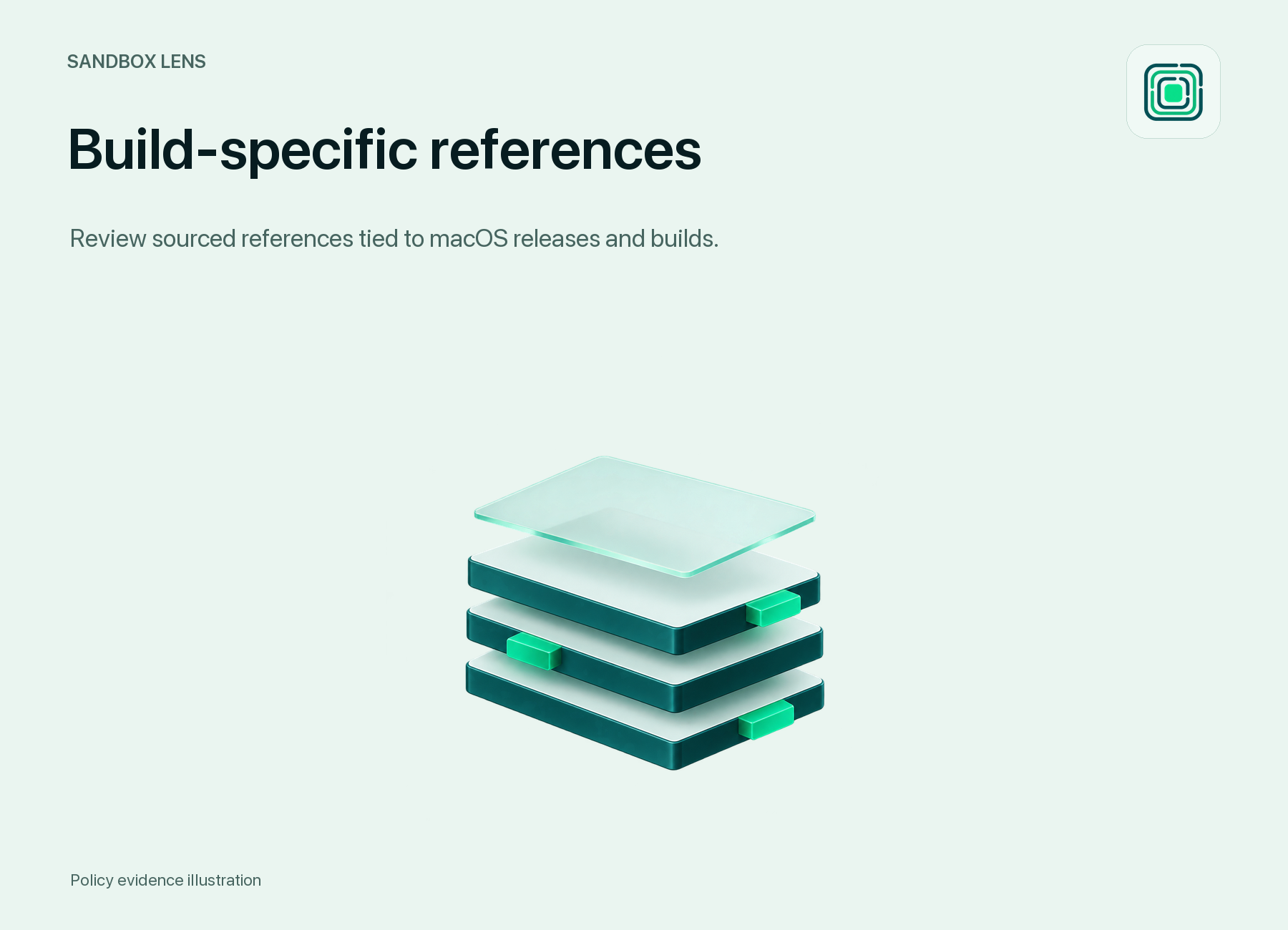
Compare against a selected macOS product version and build.
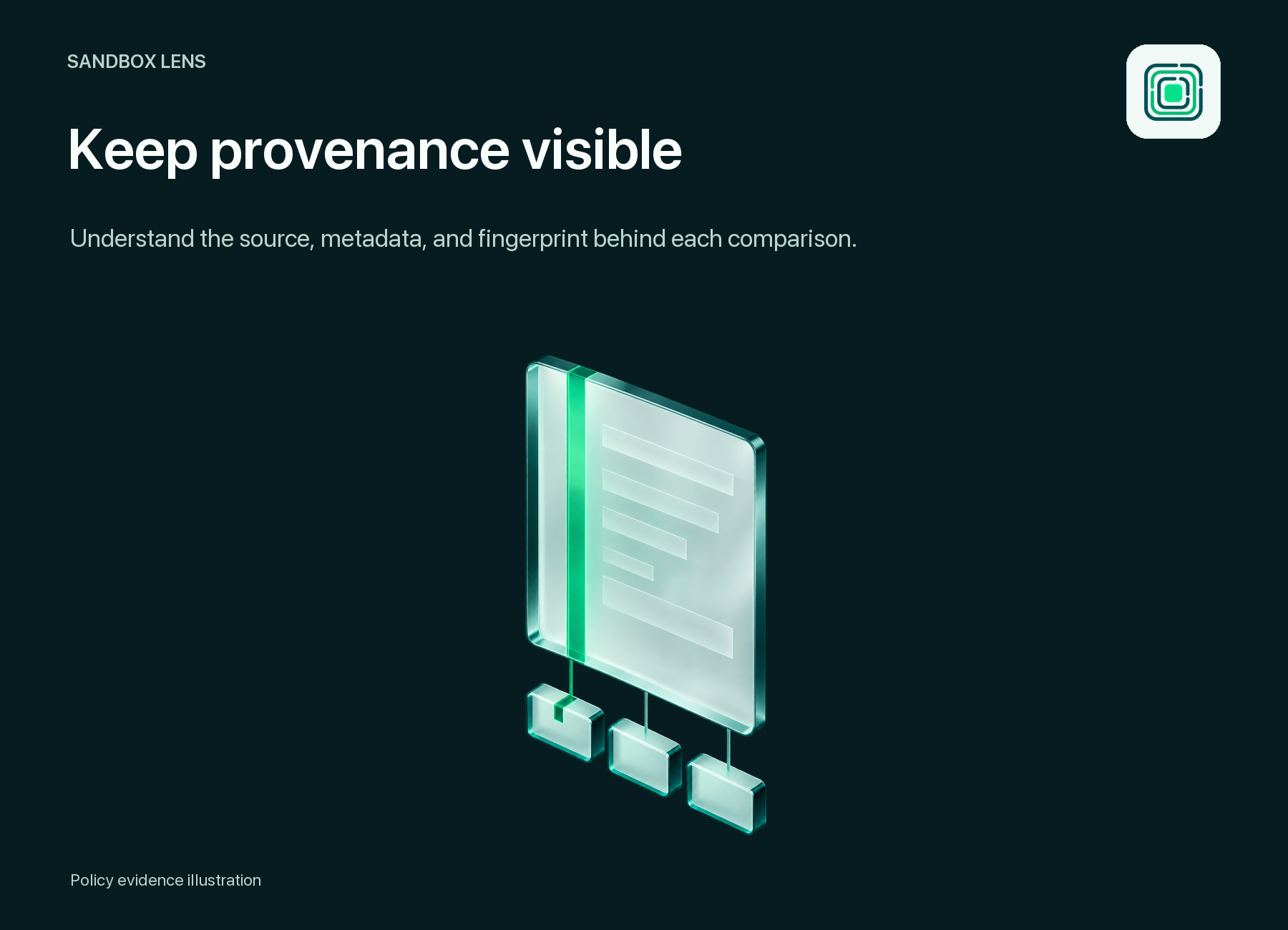
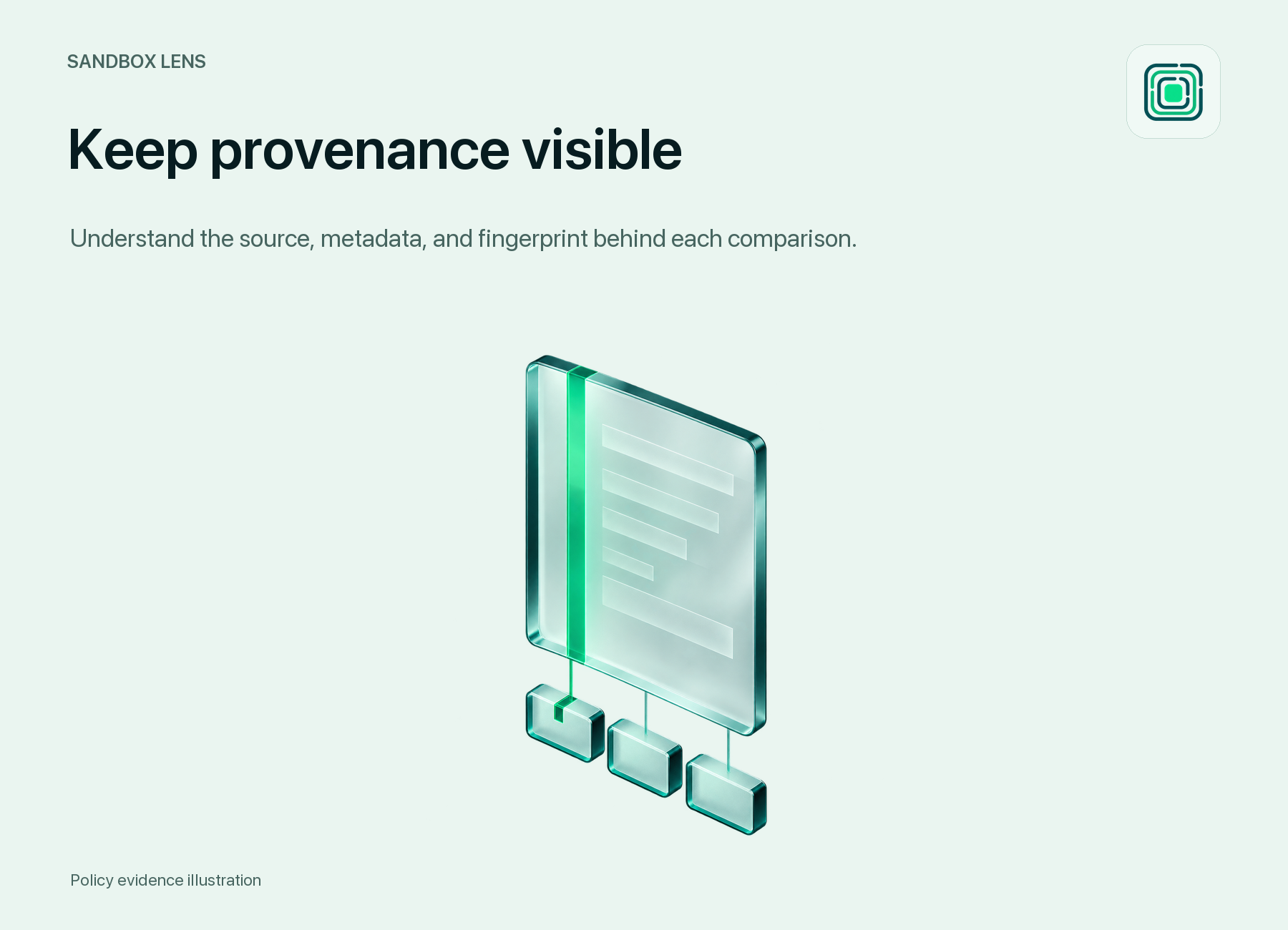
Inspect metadata, source revisions, confidence, and reference provenance.
Select an image to view full size
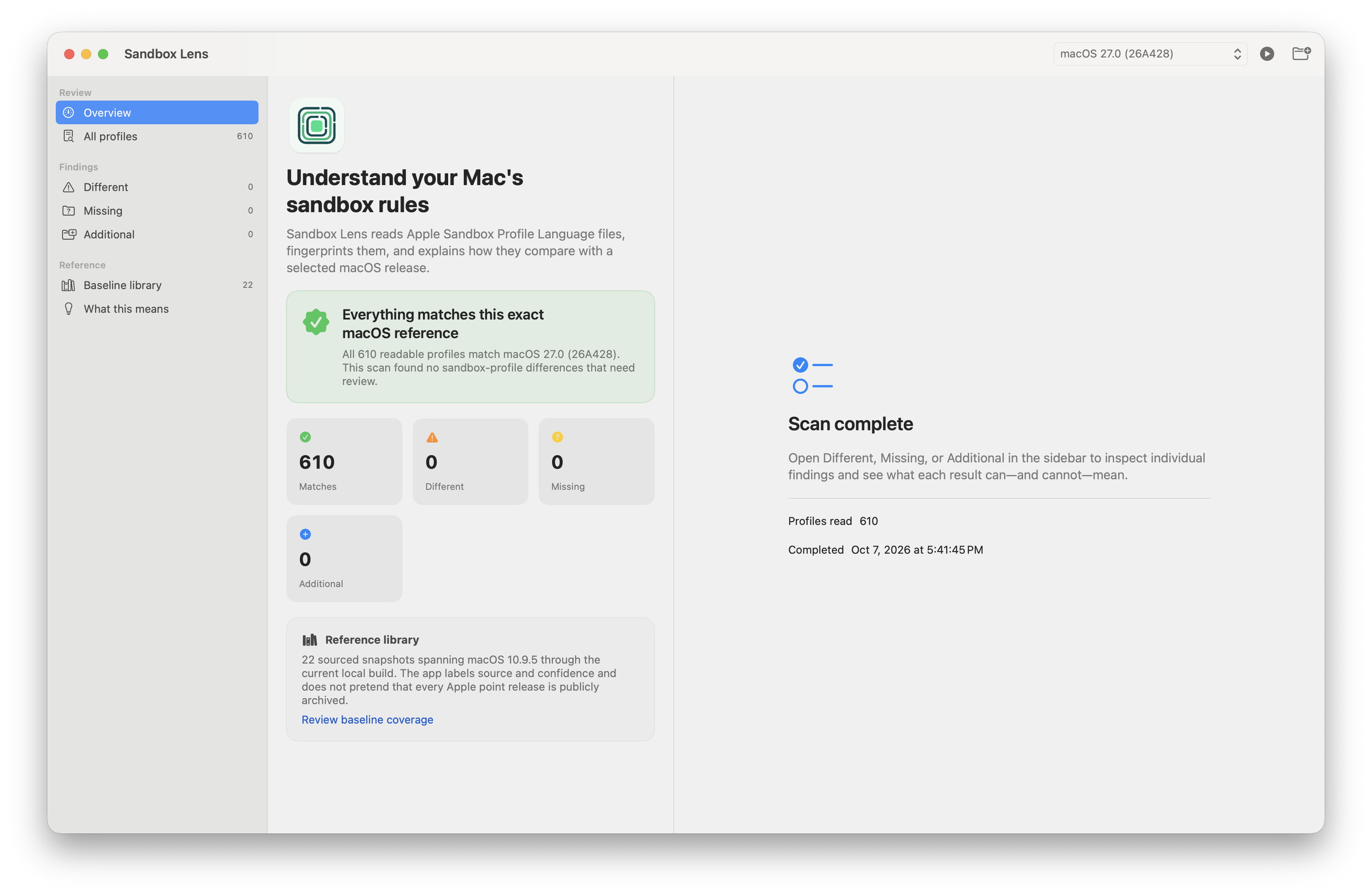
Real app capture: exact-build overview on macOS 27.0 (26A428)
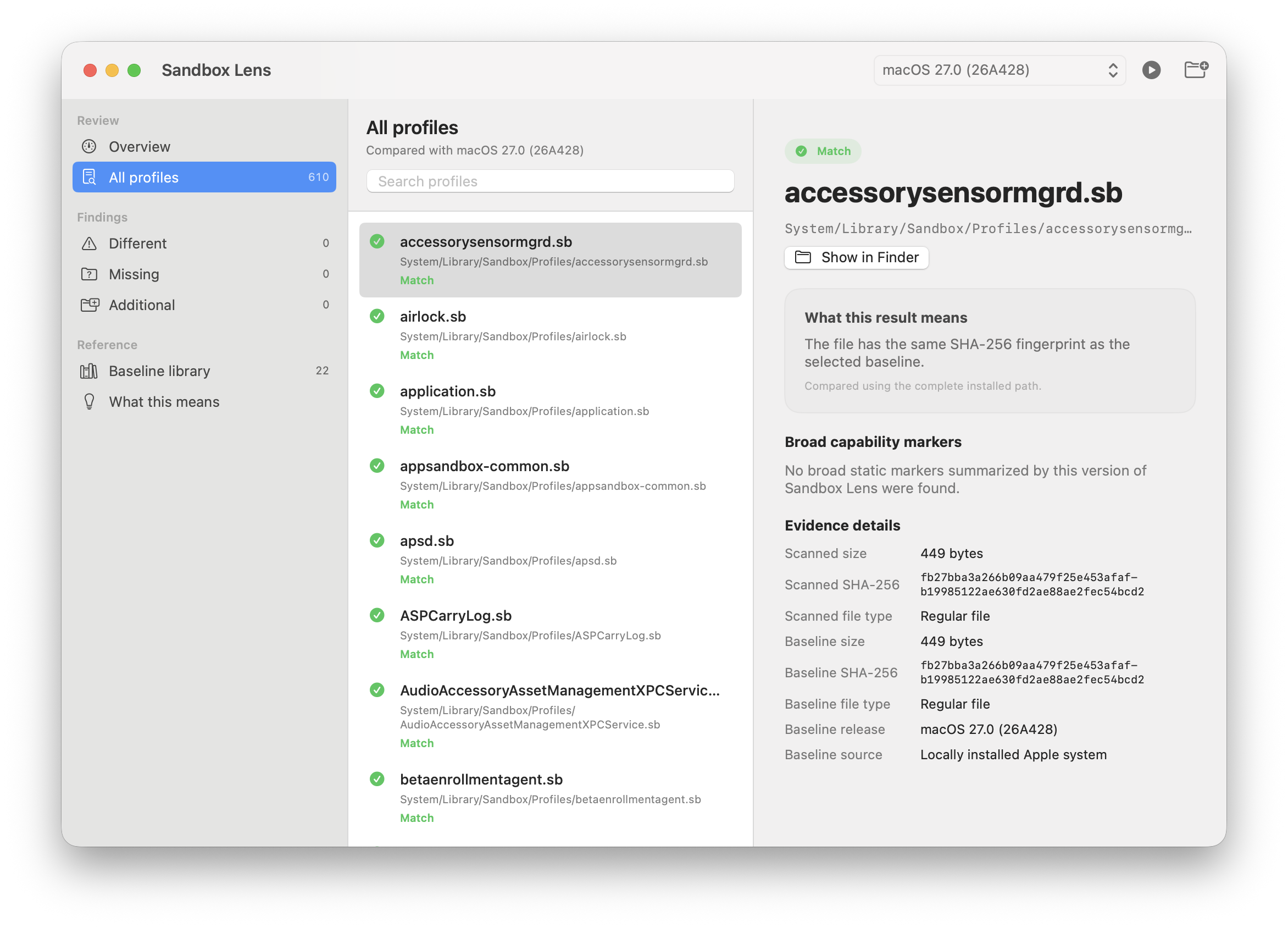
Real app capture: profile paths, hashes, and reference evidence
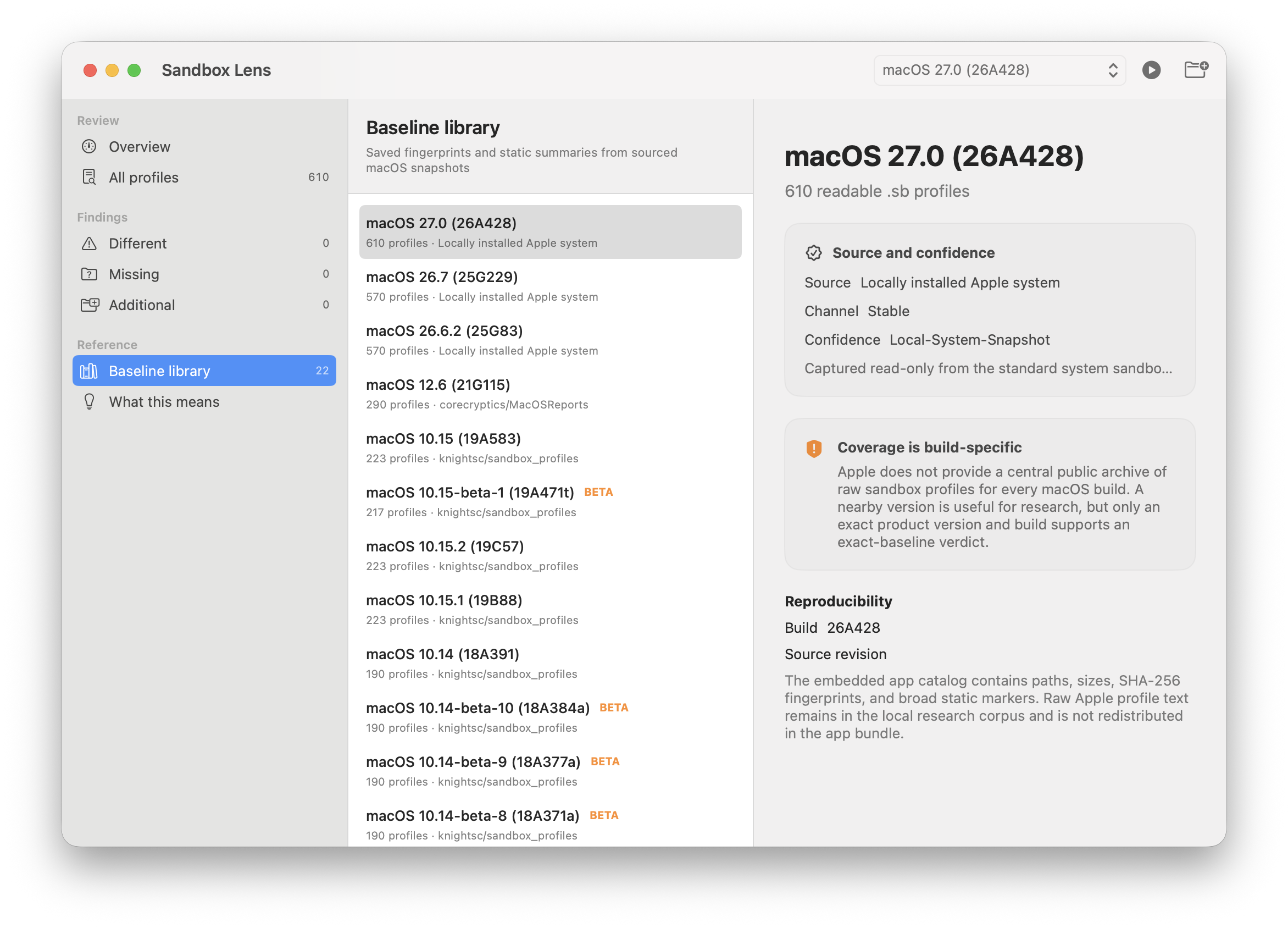
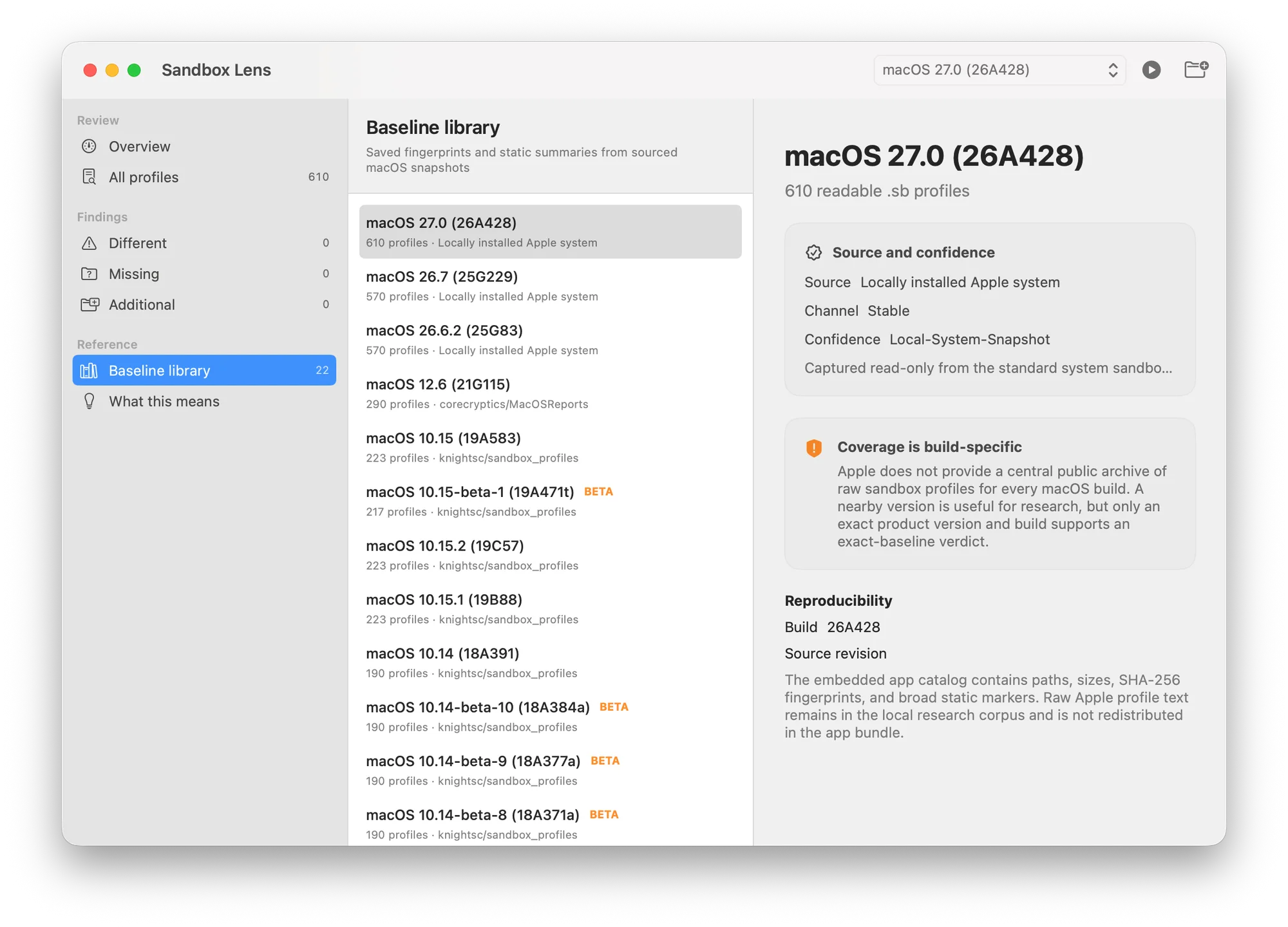
Real app capture: build-specific reference library and provenance
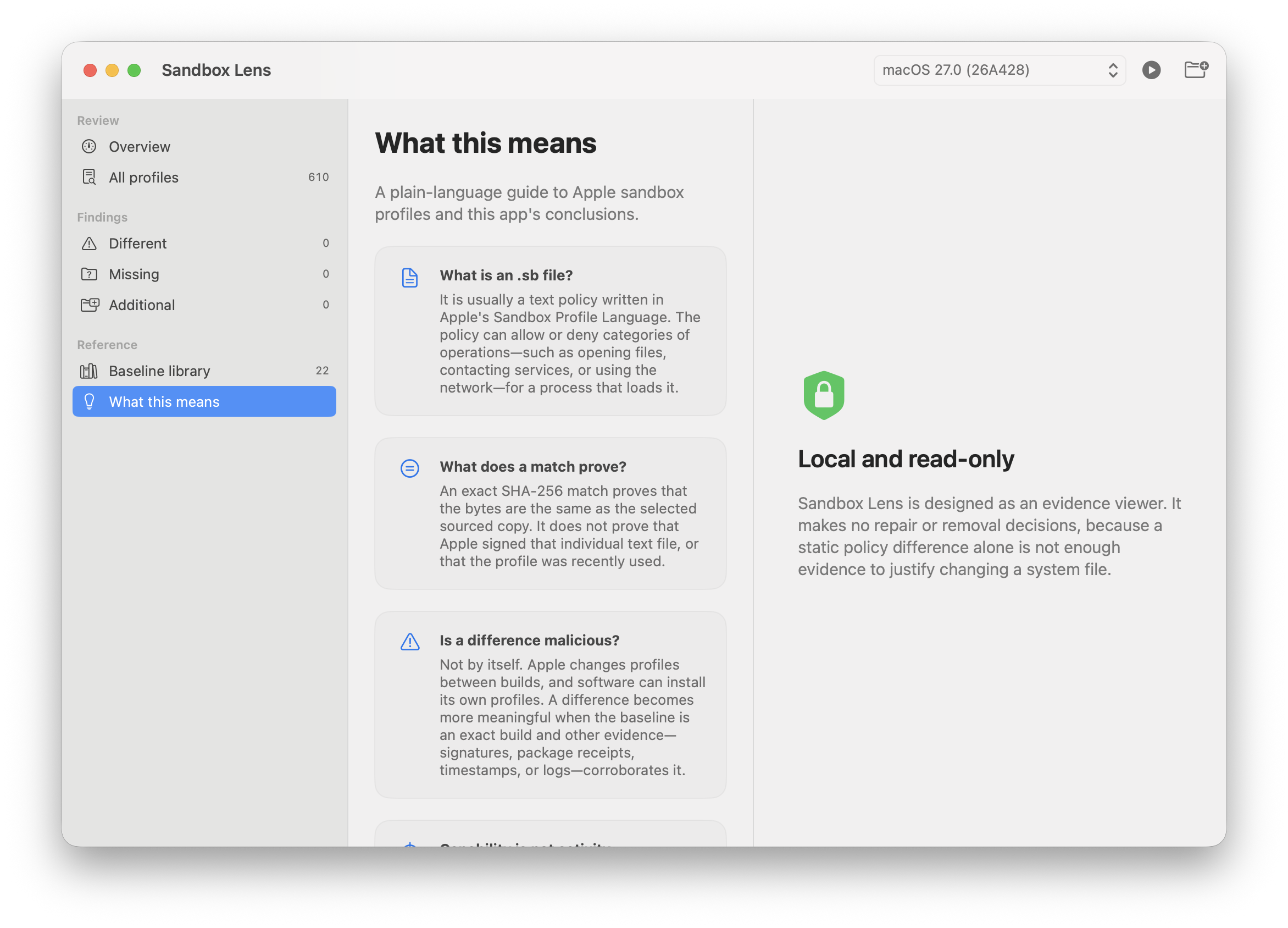
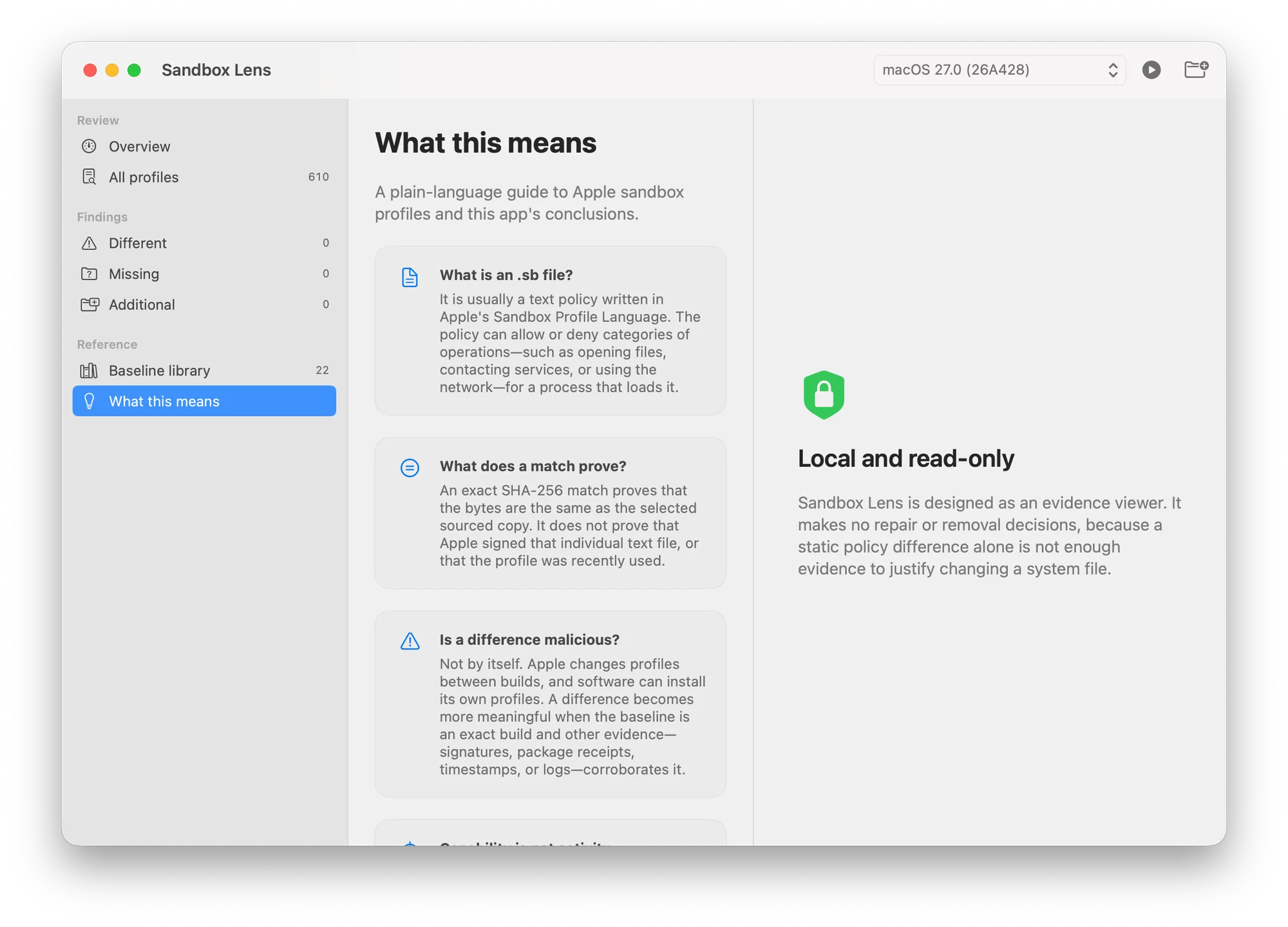
Real app capture: interpreting static file differences
sha256:d1a74ae3d89d925d0b5bfccadcb47dfb704a8becf22b11c45bc822a049471e88sha256:6454e05784cd08fb1cd8e8ae03d49b3d7253161c345a28f08150bd80d0251101Verify after downloading: shasum -a 256 Sandbox-Lens-v0.1.1-macOS-universal.zip · How to verify a download
Documentation
Synced from the README on GitHub · Oct 8, 2026A native, read-only macOS app for comparing readable sandbox profiles with sourced, build-specific references.
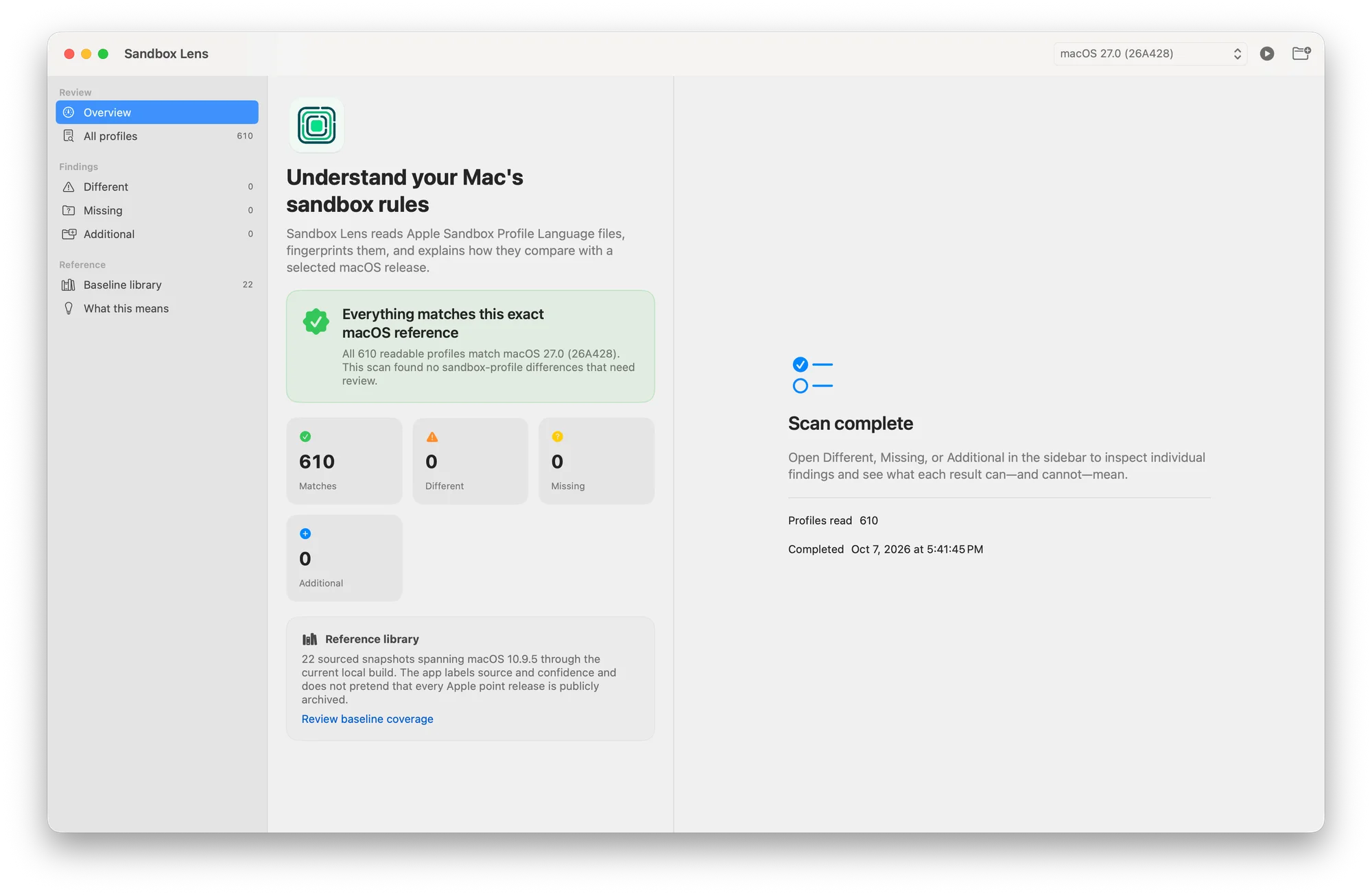
Sandbox Lens inventories readable .sb files and compares their paths and SHA-256 hashes with a selected macOS reference. It separates exact matches, changed files, expected-but-missing files, and additional files so that ordinary OS-version drift is not presented as malware.
A macOS sandbox profile is a Scheme-like text policy that can restrict which files, services, processes, and network operations a sandboxed process may use. Sandbox Lens reads the policy as evidence; it does not load or enforce it. The app is intended for Mac owners who need a clear first explanation as well as developers, reverse engineers, incident responders, and macOS researchers who need the underlying paths and hashes.
The bundled catalog currently contains 22 build-specific snapshots and 5,342 profile records, spanning macOS 10.9.5 through macOS 27.0. Coverage is intentionally described as incomplete: Apple does not publish a version-indexed archive of every raw profile, and public snapshots are sparse after Catalina. See RESEARCH.md for provenance, known gaps, and the evidence model.
.sb collection.no-sandbox markers.For exported profiles, click Scan Copied Folder and choose the folder that directly contains the copied .sb files. Do not choose /, /System, or another broad system directory.
| Exact-build overview | Profile evidence |
|---|---|
| 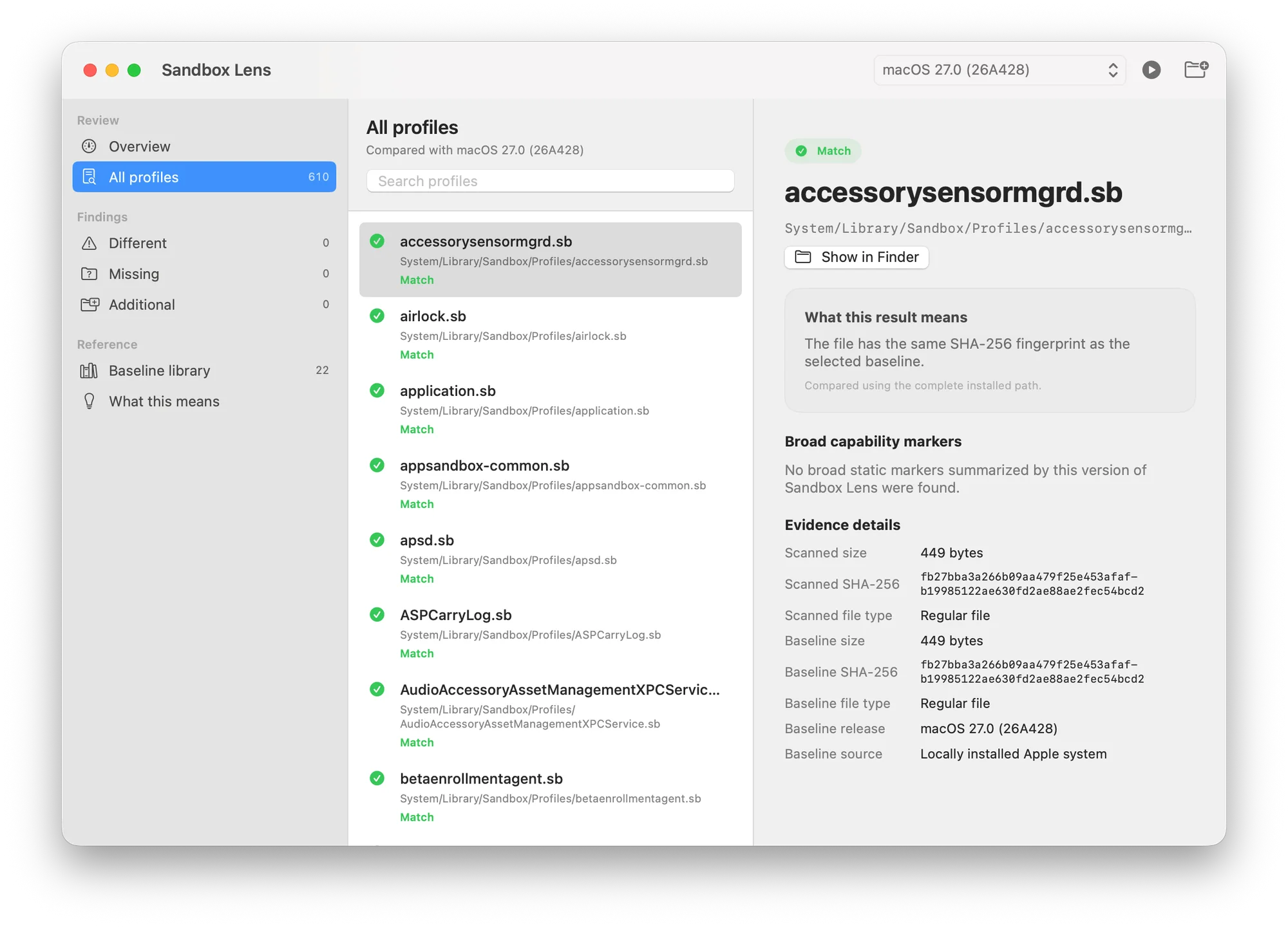 |
| Baseline library | Interpretation guide |
|---|---|
 |  |
Requirements:
Download the universal ZIP and SHA256SUMS.txt from the latest release, then verify it in Terminal from the download folder:
shasum -a 256 -c SHA256SUMS.txtUnzip the archive and move Sandbox Lens.app to Applications if desired.
The initial community build is ad-hoc signed with Hardened Runtime enabled. It is not signed with an Apple Developer ID and not notarized because no distribution signing identity is available for this release. Gatekeeper may therefore require Control-clicking the app, choosing Open, and confirming once. Do not disable Gatekeeper globally. See Signing and distribution for exact verification commands and limitations.
| Result | Meaning | What it does not prove |
|---|---|---|
| Match | The installed path and SHA-256 hash match the selected reference. | That the profile was loaded or every related component is trusted. |
| Different | A counterpart exists, but its bytes differ. | Tampering or malicious behavior. Build drift is a common cause. |
| Missing | The selected reference expects a path that was not read in the scan. | Deletion by an attacker. OS changes and access limits must be reconciled. |
| Additional | The scan contains a profile absent from the selected reference. | Malware. It may belong to another OS build or third-party software. |
An exact match is a byte-identity result. The other categories require interpretation. If the baseline product version and build do not exactly match the Mac, choose the result closest to version drift, not compromise.
Sandbox Lens reads UTF-8 .sb files up to 16 MiB. It recursively enumerates the selected directory without following directory symlinks. Standard scans check:
/usr/share/sandbox/System/Library/Sandbox/ProfilesThe analyzer intentionally recognizes only a small set of textual patterns. It is not an SBPL compiler, parser, runtime tracer, malware detector, or semantic-equivalence engine. Imports, parameters, variables, regular expressions, operation variants, and OS-specific compiler behavior can change effective policy meaning.
sandbox-exec, loads a policy, elevates privileges, bypasses protections, or modifies a scanned file.Requirements: Xcode or a Swift 6 toolchain on macOS 13 or later.
git clone https://github.com/hideouts-io/Sandbox-Lens.git
cd Sandbox-Lens
swift test
./script/build_and_run.sh
Useful development modes:
./script/build_and_run.sh --verify
./script/build_and_run.sh --debug
./script/build_and_run.sh --logs
The script stages dist/Sandbox Lens.app, signs it ad hoc with Hardened Runtime, verifies the bundle, and opens the real app. To create and validate a universal release archive:
./scripts/package_release.shThat command cleans the package, runs the Swift and Python checks, builds arm64 and x86_64 slices, stages and verifies the app, creates a ZIP, extracts it again, and verifies the extracted copy. See Technical design and Testing.
Raw Apple profile text is intentionally ignored by Git and excluded from the app bundle. The app ships derived records. To reproduce the local research corpus:
./scripts/acquire_public_baselines.sh "$PWD/ResearchCorpus/raw"
./scripts/capture_local_baseline.sh "$PWD/ResearchCorpus/raw"
./scripts/build_baseline_manifest.py \
  --raw-root "$PWD/ResearchCorpus/raw" \
  --output "$PWD/Sources/SandboxLens/Resources/Baselines.json"
Every accepted snapshot requires provenance.json with a release, build, source URL, exact source revision, confidence, and notes. Independently review new sources before treating them as trusted references.
Assets/                       App icon source and packaged icon
Config/                       Shared version and bundle metadata
ResearchCorpus/               Corpus notes; raw profile text is ignored
Sources/SandboxLens/          Native SwiftUI app and bundled manifest
Tests/                        Swift and Python behavior tests
docs/                         Screenshots and technical documentation
script/build_and_run.sh       Development build, staging, and launch
scripts/ Baseline, integrity, staging, and release toolsThe app says the folder cannot be completely enumerated. Choose the folder that directly contains the copied .sb files. For installed Apple profiles, use Scan This Mac rather than selecting a broad system directory.
The sidebars are empty after a scan. Select All profiles, Different, Missing, or Additional in the left sidebar. Empty finding categories are expected when every file matches.
There is no exact baseline for this Mac. Do not treat the nearest version as authoritative. You can still inventory profiles, but results remain version context until an exact product-version and build reference is available.
macOS blocks the downloaded app. Verify the checksum, then use the one-time Control-click Open flow described above. The initial build is not notarized; do not disable Gatekeeper globally.
Read CONTRIBUTING.md before proposing code or a baseline. Reports that add a baseline must include reproducible provenance and must not redistribute material without permission. Please use the private process in SECURITY.md for vulnerabilities rather than opening a public issue.
Sandbox Lens is available under the MIT License.
Historical reference material is attributed in RESEARCH.md, including the knightsc/sandbox_profiles and corecryptics/MacOSReports projects. Their inclusion as research sources does not imply endorsement of Sandbox Lens.
Another hideouts.io project: iOS Developer Toolkit.
The all-in-one iPhone and iPad workbench for your Mac.
The iPhone and iPad workbench, rebuilt as a native Mac app.

iPhone packet capture with a memory for what changed.